Gooseworks Blog
How to make, test and launch paid ad creative with AI.
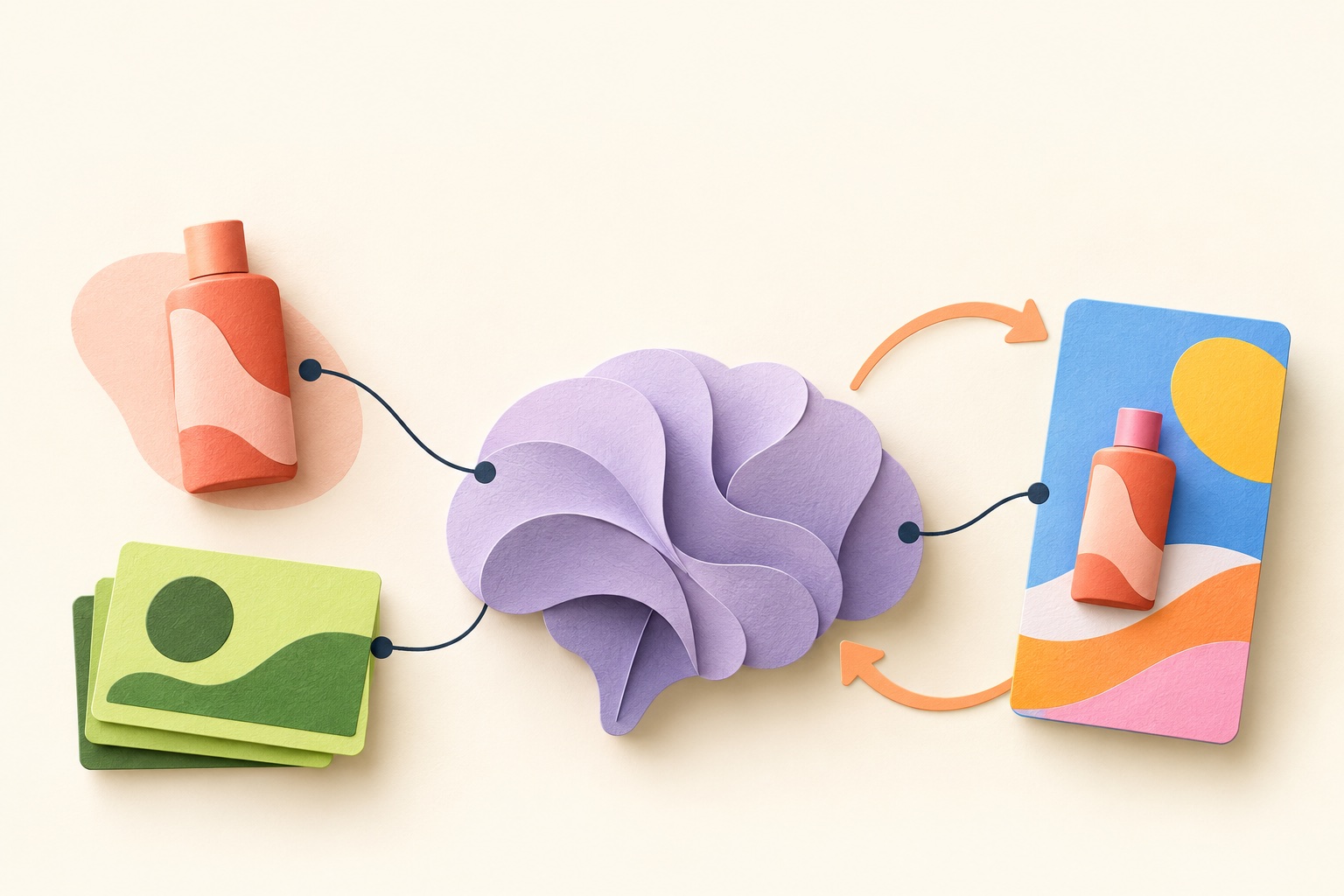
Build a marketing brain. Then use it to make ads.
Give your AI agent brand context, a creative kit, and a repeatable workflow. Start with one product, plan a campaign, make ads, and keep useful feedback.
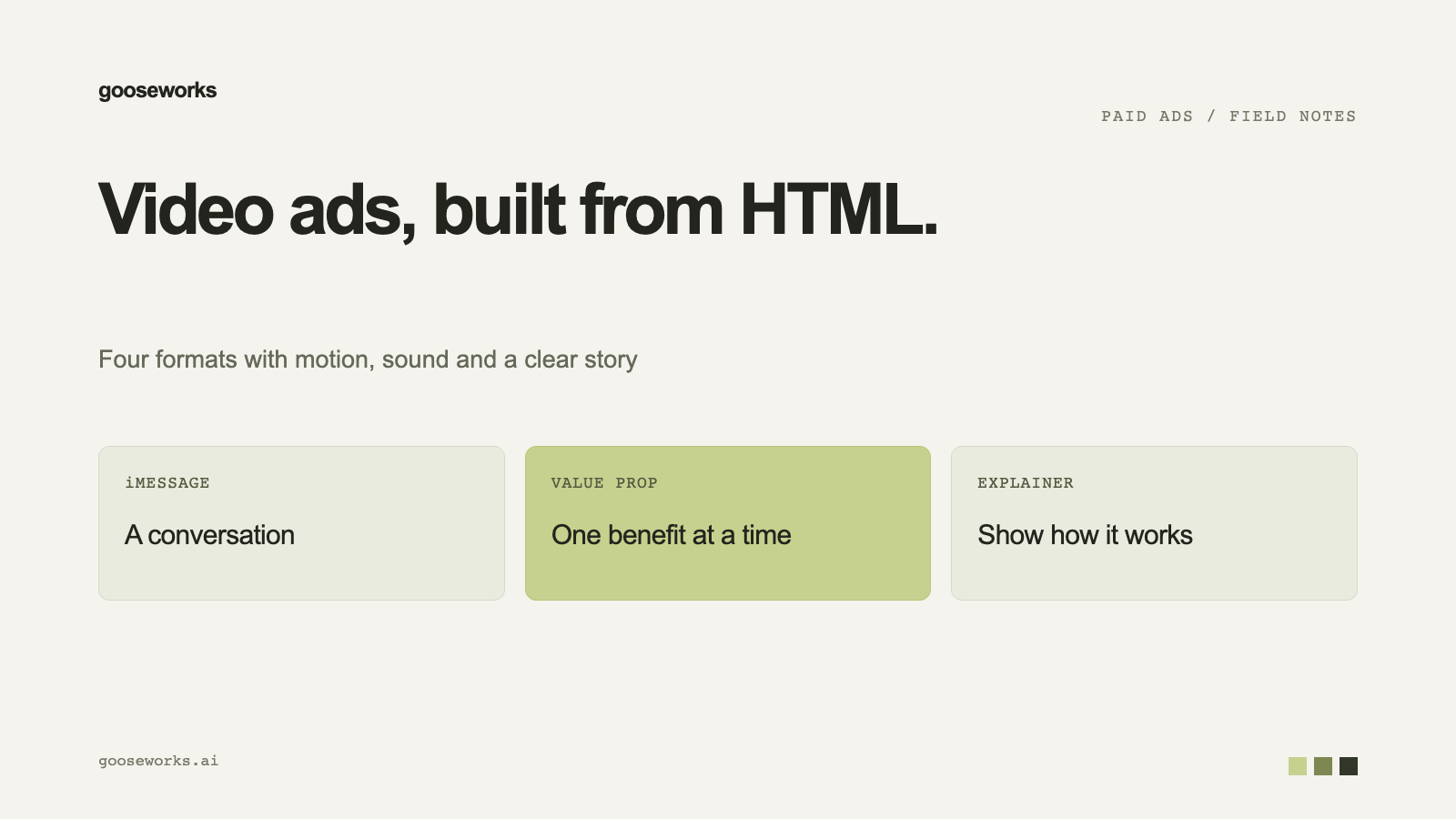
Video ad formats you can make without a video model
Phone-screen and motion-graphic video ads can be built from HTML, so they are quick and cheap to make. Here are the formats and what each one needs.
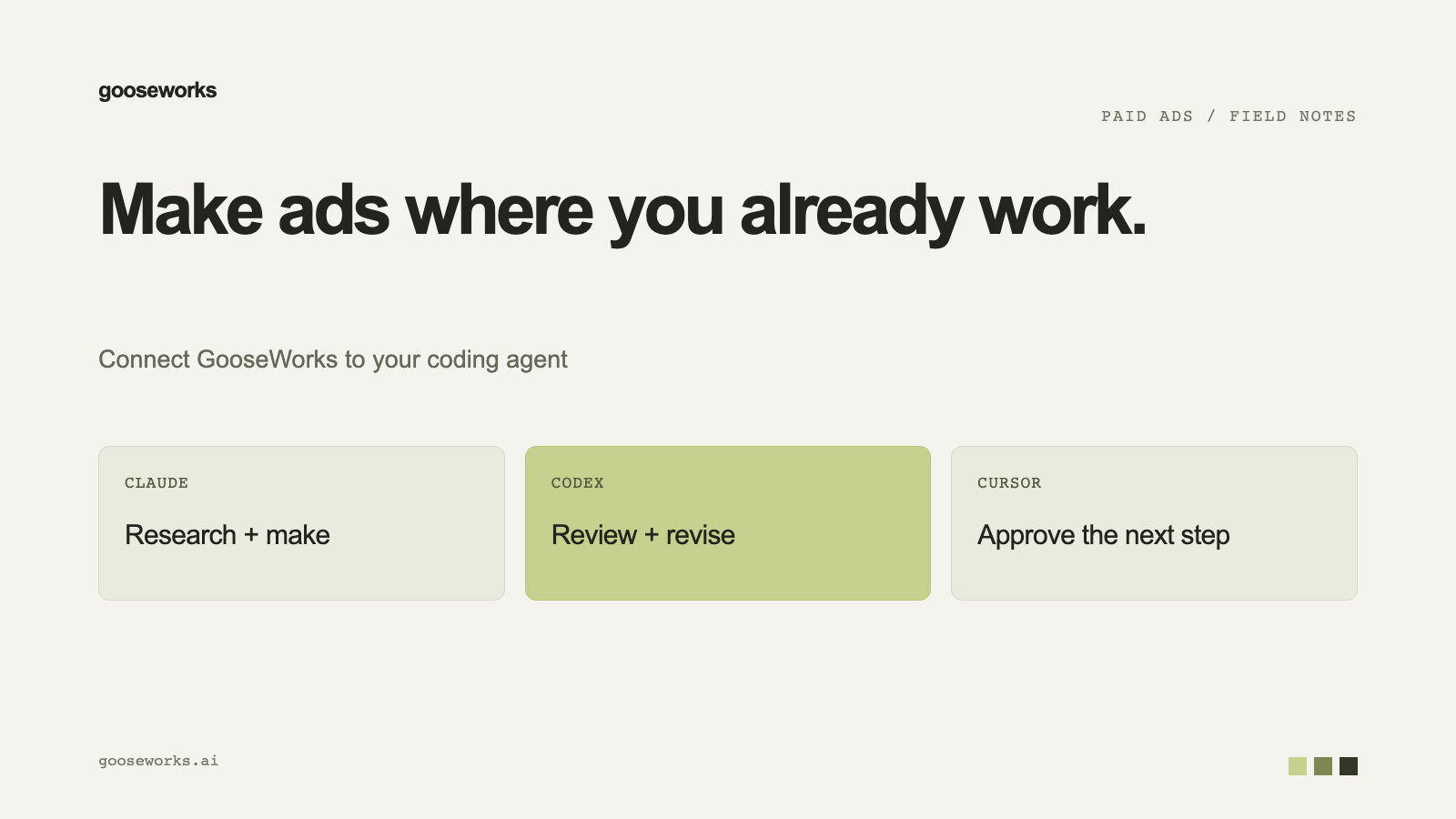
Run Meta ads from Claude, Codex or Cursor
Connect a coding agent to Goose, make ads, and prepare Meta launches, pauses and budget changes without leaving the chat. Nothing goes live until you approve it.
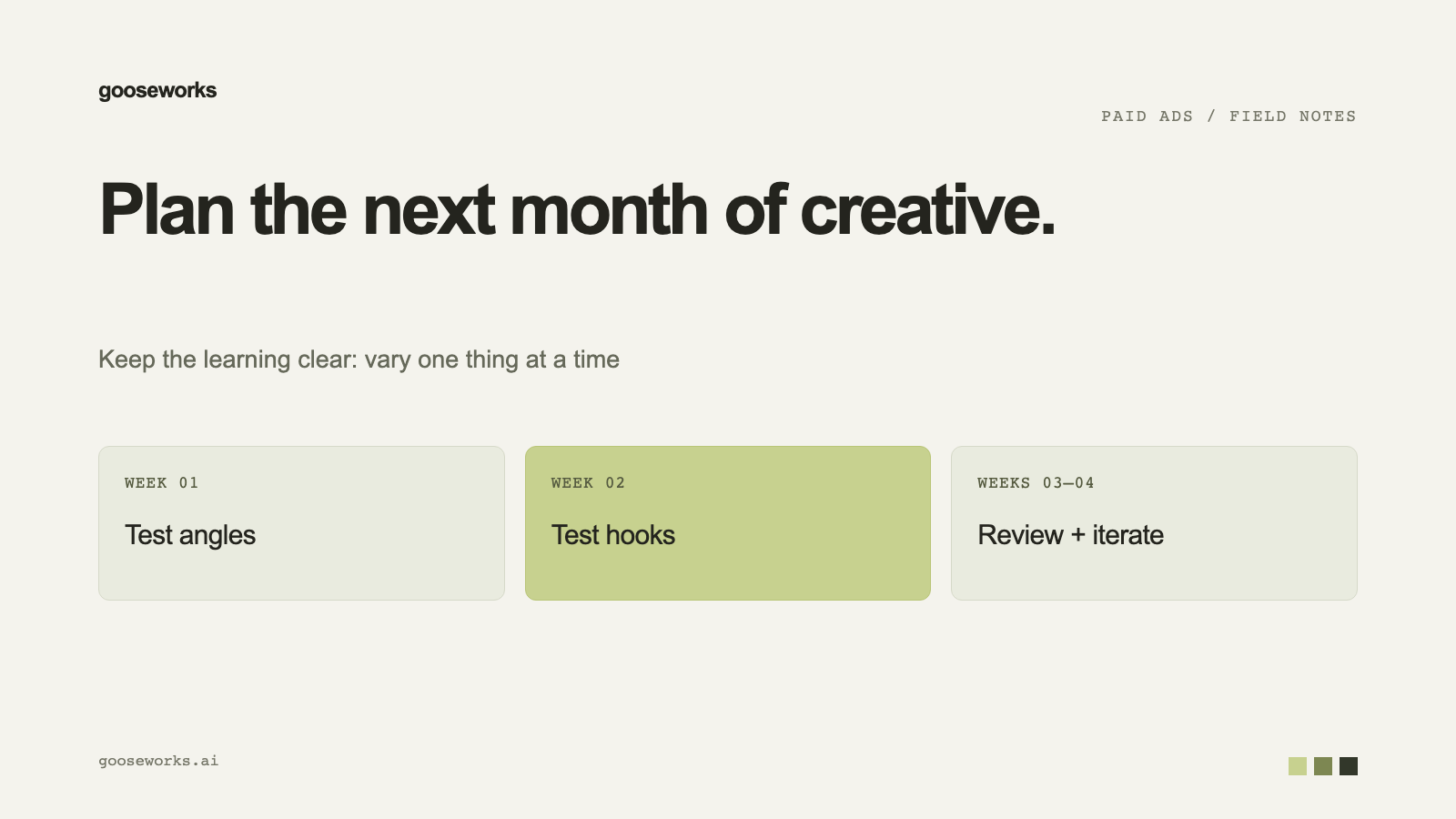
How to plan a month of ad creative testing
Test one thing at a time, start small, and keep a steady flow of new creative. A practical plan for a month of testing, with the Goose settings that support it.
How to make AI ad creative that stays on brand
Set up a brand kit once, with your logo, colors, fonts and product photos, and every AI-generated ad starts from your brand instead of a generic look.
How to find and remix your competitors' ads
Pull live ads from a competitor's Meta Ad Library, pick the ones worth learning from, and rebuild them with your product, colors and copy.
How to check an ad before it goes live
A pre-launch check catches cut-off text, low-resolution images and copy that could be rejected. Here is what to look at, and what Goose checks for you before a Meta launch.
AI product photos for ads and product pages
Turn the product images you already have into studio, lifestyle and on-model photos that keep the product accurate, then approve the ones you want to use in ads.

Make value prop video ads from HTML with Claude or Codex
Teach your coding agent to build fast, cheap value prop video ads from a brand's logo and product images, using HTML instead of a video model.
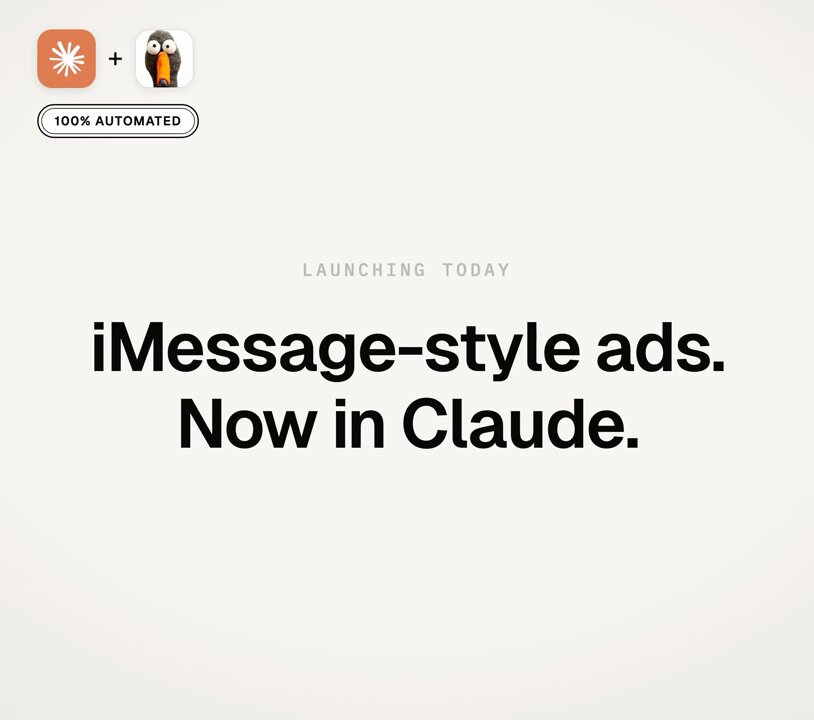
Make iMessage video ads in Claude with one skill
An iMessage video ad shows a text conversation on an iPhone screen. Here is how a single skill teaches Claude to build one, with sound and an end card.

Make a 45-second animated explainer ad with Claude Code
A seven-step workflow for turning a concept brief into a finished animated explainer ad with Claude Code, image models and ffmpeg.
Build a marketing bot in Grok with one prompt
One install prompt gives you a Grok bot that researches your brand, makes ads and product photos, writes social posts and finds influencers.
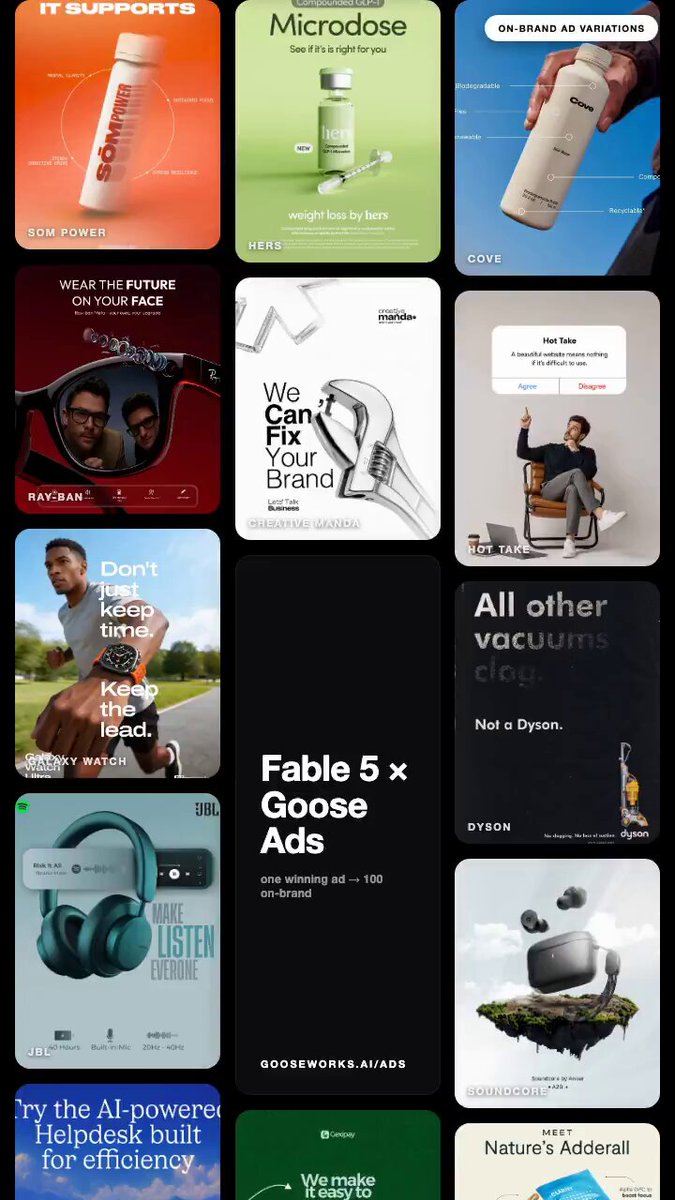
A full ad creative team in Claude Code with Goose Ads
Point Claude Code at your website and Goose Ads pulls the ads already working in your space and rebuilds a whole batch on-brand, ready to test.
Goose release notes: week of September 28
Video ads are now made by your own coding agent, and every video order lives in one list.
Goose release notes: week of September 21
You can pause a Meta ad from Goose, and every ad gets a pre-launch check before you approve a launch.
Goose release notes: week of September 14
The Performance tab is open to everyone, and you can review a batch of generated ads with keyboard shortcuts.
Goose release notes: week of September 7
Onboarding starts with one question, shows the competitors we found, and voice notes now arrive as text.
Goose release notes: week of August 10
You can now control how much of your brand colors and font show up on each ad, and ads use your real brand typeface.
Goose release notes: week of August 3
Create is rebuilt around campaign briefs, and ads can be sized for any major platform.
Goose release notes: week of July 27
Goose now generates widescreen 16:9 ad creative and lets you track a competitor's Meta Ad Library as a folder.