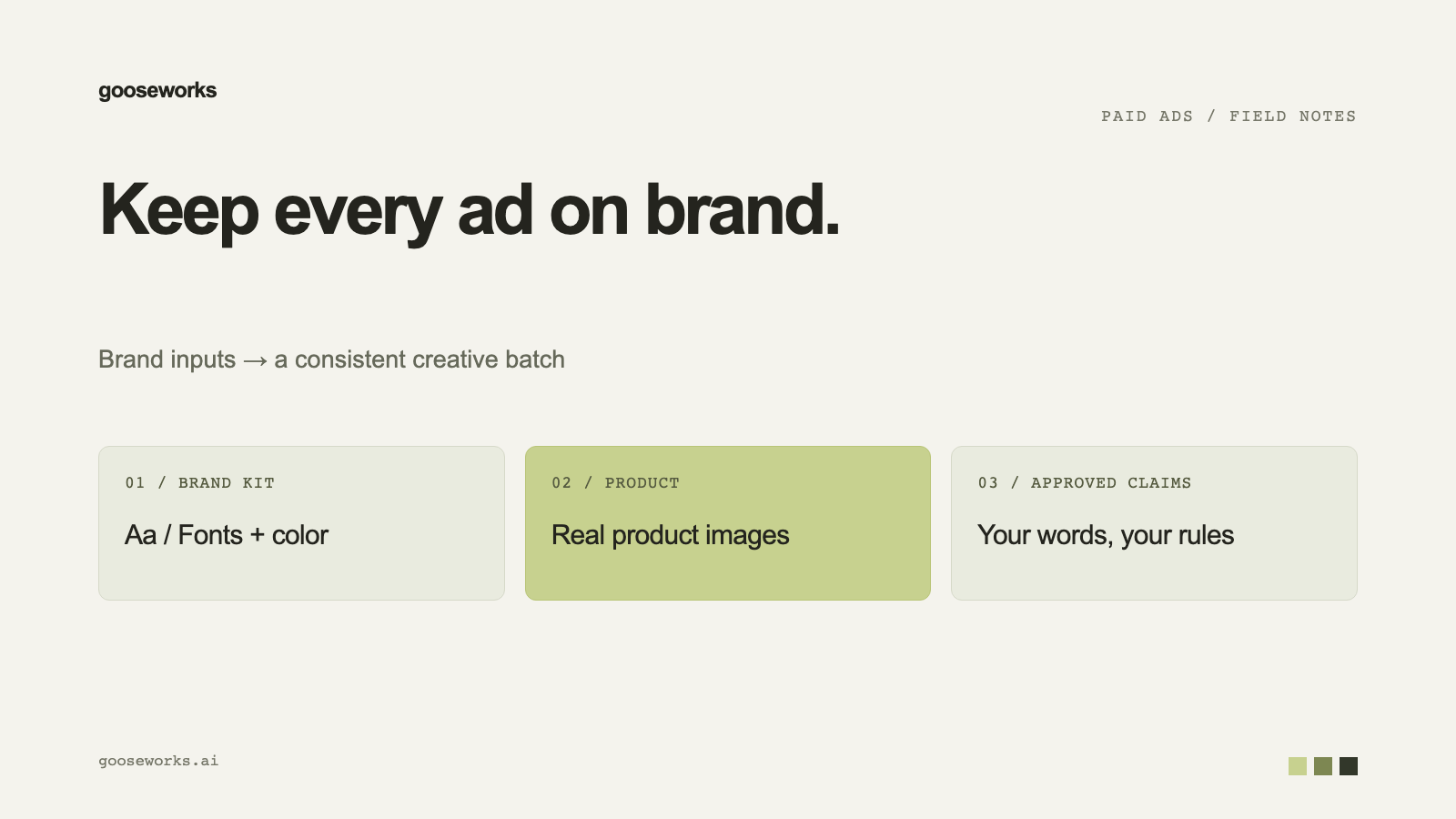

AI ad tools make ads fast. Whether those ads look like your brand depends on what the tool knows about you. The fix is a brand kit: one place that holds your logo, colors, fonts, products and voice, and that every ad pulls from.
This post walks through setting one up in Goose and what to check before you trust it.
What a brand kit holds
| Part | What it controls | |---|---| | Logo | The logo placed on each ad. Add light and dark versions if you have them. | | Colors | The palette used to restyle templates into your look. | | Typography | The fonts tied to your brand. | | Products | What you advertise, each with reference images. | | Voice and audience | How your brand sounds and who it talks to, used for ad copy. |
Set it up
- Enter your website. Goose reads the site and pulls in your logo, colors, fonts, products, audience and voice. You can start generating while research finishes.
- Open the brand kit and check what was pulled in. Fix anything that is off.
- Add clean, high-resolution product photos to each product. The generator uses them directly, so better photos mean a more accurate product in the ad.
Control how much of the brand shows up
For each ad you can keep your brand colors with the template's own font, keep the template's colors with your brand's font, or blend both. Ads use your real brand typeface where it can be pulled from your site. When the exact font is not freely licensable, Goose says it is approximating.
What gets checked on every ad
Before an ad reaches you, Goose checks that:
- Your real logo appears correctly. It is placed as-is, not redrawn.
- Your product matches your reference images everywhere it appears.
- The original product and branding from the source ad are fully replaced.
- No leftover text from the source ad survived.
If an ad fails, Goose retries once with notes on what to fix.
Before you run a batch
- Look at your product photos. Brand research can save a mascot or illustration as a product photo, and then the ad features the mascot.
- Check low-resolution warnings. Soft images produce soft ads.
- If your category cannot show the product (regulated verticals such as medical), turn on the "can't show product images" setting so Goose works from brand facts and lifestyle visuals.
Try it
Set up a brand at gooseworks.ai/ads. To put the kit to work on competitor ads, see how to find and remix your competitors' ads.