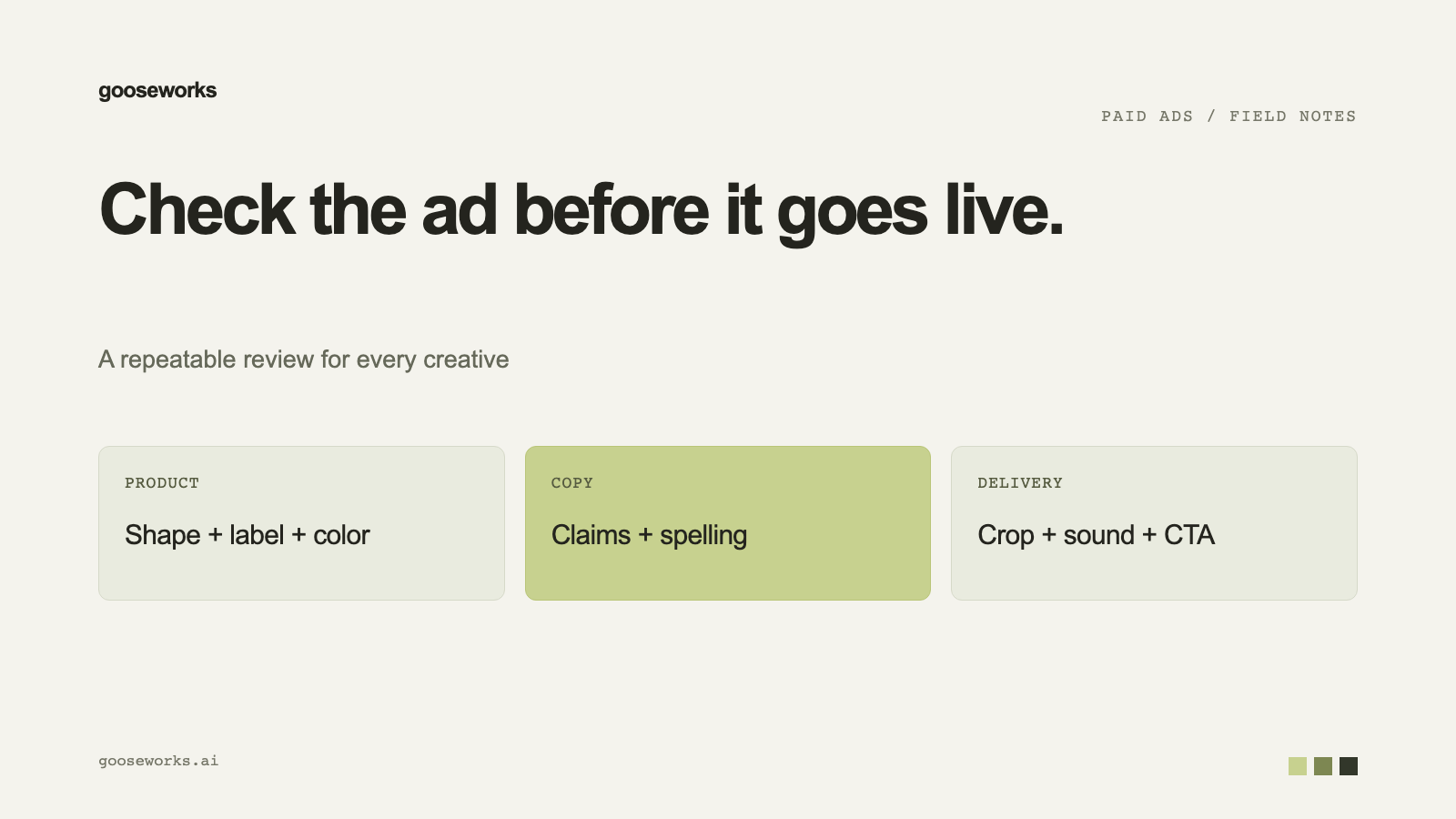

Most ad problems are visible before launch: text cut off by the placement, a soft image, a headline that does not match the offer, copy that Meta may reject. A short check catches them. This is the list we use, and what Goose does automatically.
What Goose checks before a Meta launch
Before you approve a Meta launch, Goose previews each ad the way Meta will show it. It flags:
- Cut-off text.
- Low-resolution images.
- Copy that could get rejected.
You see the flags before the launch reaches you for approval.
Your own checklist
- Offer. Does the headline match what the landing page offers today?
- Product. Does the product in the ad match the real one?
- Logo and name. Correct logo, correct spelling of the brand.
- Safe zones. Is text clear of the areas hidden by each placement's interface? Ads generated for a specific platform and placement include safe zones.
- Links. Links in ads Goose launches carry tracking parameters, so your analytics, CRM or store can tell which ad drove a click, lead or sale. Check that your analytics reads them.
- Policy. Anything a reviewer could read as a claim you cannot support.
Nothing changes without your approval
A budget change or a creative swap proposed by Goose changes nothing on Meta until you approve it from the Reports tab. A launch, pause or undo prepared from a coding agent works the same way.
After launch: the weekly review
- Goose watches your Meta account between reports and tells you if money is being wasted or delivery is blocked.
- A weekly deep-dive looks at fully finished days only and flags specific ads worth pausing.
- You can pause a single underperforming ad instead of the whole campaign, from chat, the campaign page or the ad itself.
Try it
Connect Meta at gooseworks.ai/ads. To plan what to test, read how to plan a month of ad creative testing.