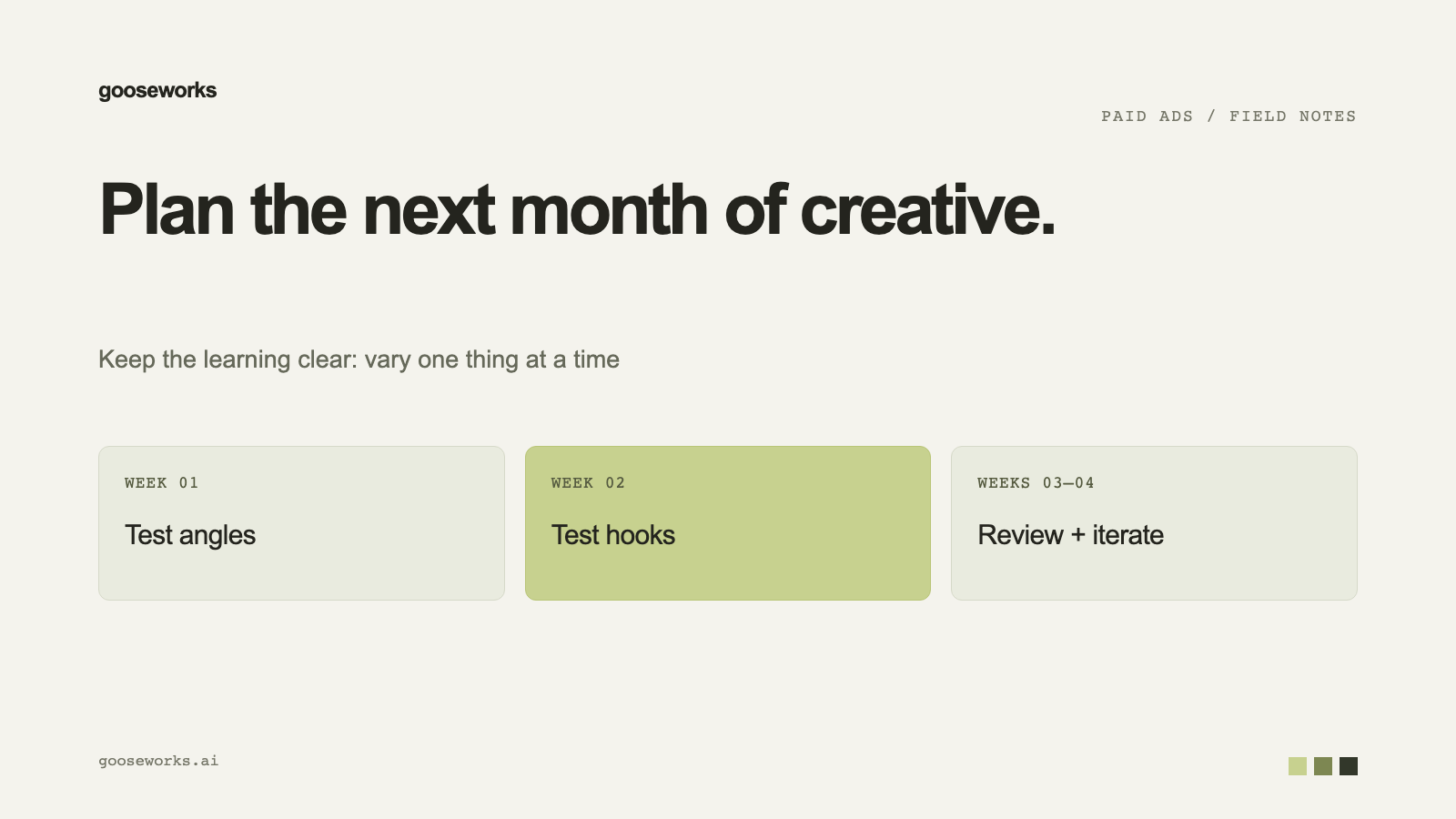

Creative testing works when each ad teaches you one thing. A month of it needs a plan: what to vary, how many ads to make, and a steady supply of new ones. This is a simple structure, with the Goose features that support each step.
Week 1: Choose angles, not ads
An angle is the reason someone should care: a benefit, a pain point, a proof point. Pick three to five. Goose keeps your messaging angles in the Brand Kit, and they shape ad copy in the composer even when it is left on Auto.
Week 1: Make a small first batch
Generate one or two variants per angle first, in a single size. New campaigns generate one ad size to start so your credits cover more distinct concepts. Check the direction, fix the brand kit if something is off, then scale up.
Week 2: Vary one thing
Hold the angle and change one variable: the hook, the layout or the format. Because Goose rebuilds a proven layout with your brand, you can make several layouts for one angle in a single run. Tag each ad with its angle and variable (angle-speed, layout-comparison) so results are readable later.
Week 3: Resize the winners
When an ad earns its place, make it in the other placements. Use Make Variants to generate platform sizes at once, such as 1:1, 4:5, 9:16 and 16:9. Resizing a winner afterward is free for new campaigns that started with one size.
Week 4: Add a format
Take the best angle into video. A phone-screen format is quick to make. See video ad formats you can make without a video model.
Keep new creative flowing
Autopilot generates a fresh batch every week and emails it to you. You choose how many creatives (1 to 50) and which sizes. Ten a week is a reasonable starting point. It never remixes the same template twice for your brand.
Read the results
Connect your Meta account and use the Performance tab. A weekly deep-dive check looks at fully finished days only and flags specific underperforming ads worth pausing. Pausing one ad does not require pausing the whole campaign.
Try it
Start at gooseworks.ai/ads.