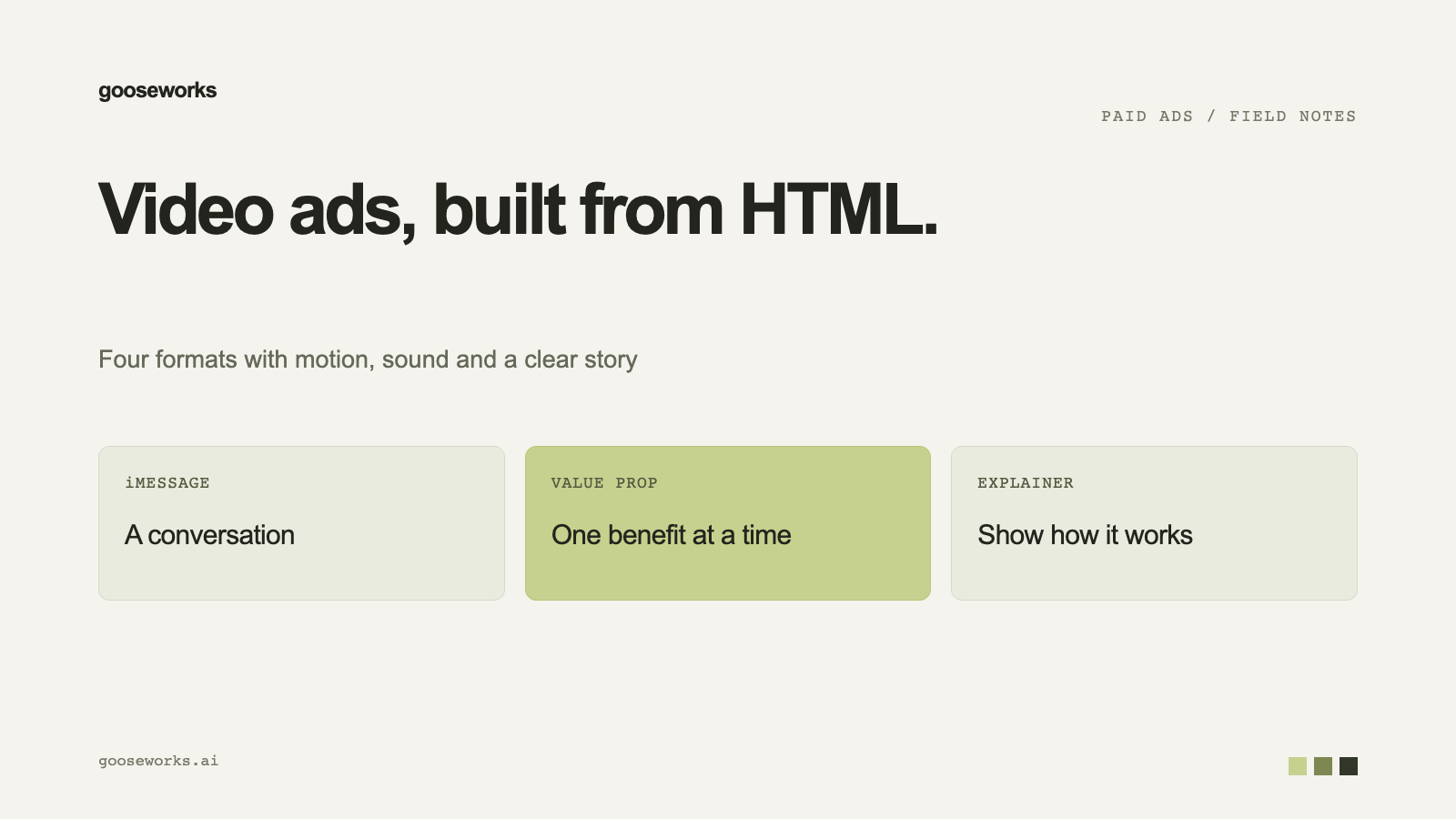
Gooseworks field notes: video ad formats without a video model
video adshtml videoad formats

Video ad formats you can make without a video model

Phone-screen and motion-graphic video ads can be built from HTML, so they are quick and cheap to make. Here are the formats and what each one needs.

Gooseworks
Gooseworks · 1 min read

Some video ads do not need a video generation model. If the ad is a phone screen, a chat thread or animated text, an agent can build it as HTML and render it. That makes these formats fast, cheap and easy to produce in many variants.

Formats that work this way

  • iMessage ads. A text conversation on an iPhone frame, with sound effects, music and an end card. See how to make iMessage video ads in Claude.
  • Value prop ads. A fast-paced video that explains your product's benefits from your logo and product images. See value prop video ads from HTML.
  • ChatGPT and Apple Notes screens. The same phone-screen approach with a different interface.
  • Animated explainers. These use image and animation models for the scenes, with HTML and ffmpeg for assembly. See the 45-second explainer workflow.

Goose lists every format, with a demo video for each, at make.gooseworks.ai/videos.

How an order works

  1. Ask your coding agent for a video ad: "Make me a video ad for my brand."
  2. Say what the ad is for: a launch, a sale, how the product works.
  3. Pick a format from the table.
  4. The agent checks your computer has the tools it needs.
  5. Review the script and other pieces before any video is rendered.
  6. Say go. The finished MP4 is saved to your project.

Each paid step is approved before it runs. The small pieces come first: the script, a voice sample, the music, the end card. Video clips are made only after you approve them.

What your computer needs

Claude Code, Codex or Cursor connected to Goose, plus ffmpeg, ffprobe and Node 18 or newer. Phone-screen formats also need Playwright's Chromium browser. Run npx gooseworks doctor to check.

What your brand needs

A logo and clean product photos. Some formats need more, such as a screen recording of your app. The format table says what each one needs.

Try it

Start at gooseworks.ai/ads.

Keep reading

Skills used in this post

Video Production Harness

Full video production sequence with script review, actual ingredient choices, controlled generation, editing, evidence-based quality review, polish, captions and delivery. A host binding supplies project storage, authentic approvals, provider access and billing.

Write Video Ad Script

Write the words of a short-form video ad (voiceover, dialogue, chat bubbles, on-screen lines) the way performance creative teams do instead of from a blank page. Builds the script from the buyers' own words, the beat sheet of an ad that already works and three deliberately different angles, filters them with a rule check and a second non-Claude model, and takes the strongest into the review with the other two as one-line swaps. Use it in every video ad run before any paid step, and whenever the user asks to write, rewrite or improve a video ad script or says a script sounds generic or AI-written.

Render Cinematic Music Video

Assemble a cinematic live-action-style music-video ad from a config — an original sung anthem carries the whole narrative while N 35mm-film-look i2v clips are each cut to their lyric window and hard-concatenated on the beat as a 3-act arc, the anthem muxed at loudnorm I=-14, cinematic lower-third serif captions built from the song's OWN word timings (never Whisper) with the hook line landing on the chorus drop, and closed on a brand end card composited from the real asset — never AI-rendered text. This is the FREE deterministic assembly stage (cut-to-window + hard concat + anthem mux + captions + end card); the anthem, keyframes, and clips come from create-music-elevenlabs / create-image-gpt-image-fal / create-video-fal. Use for the cinematic-music-video format.